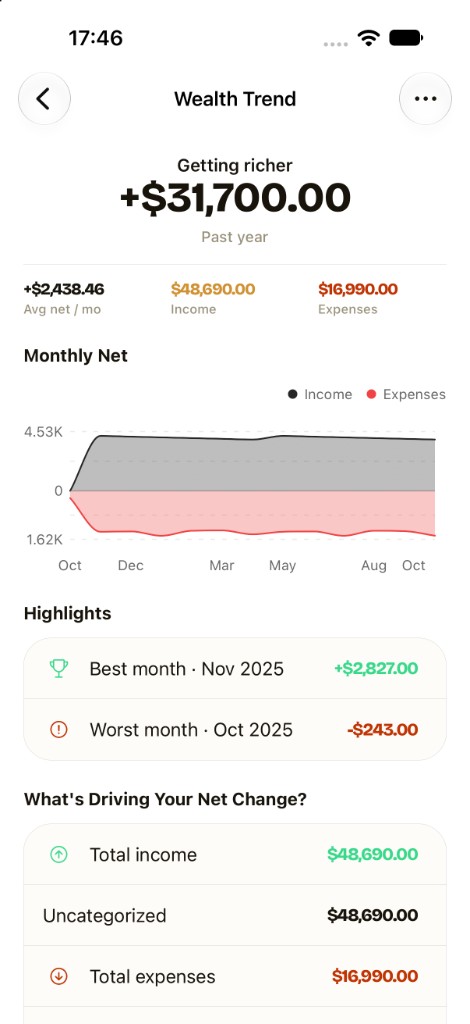
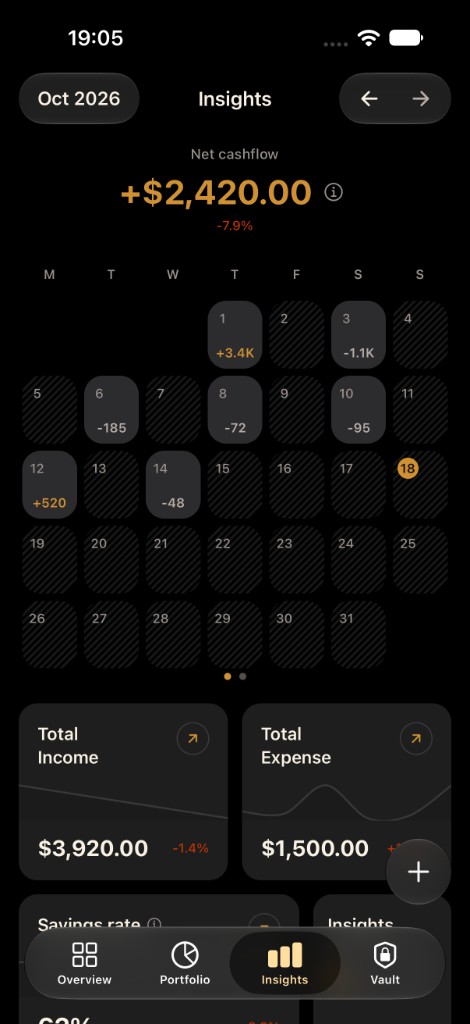
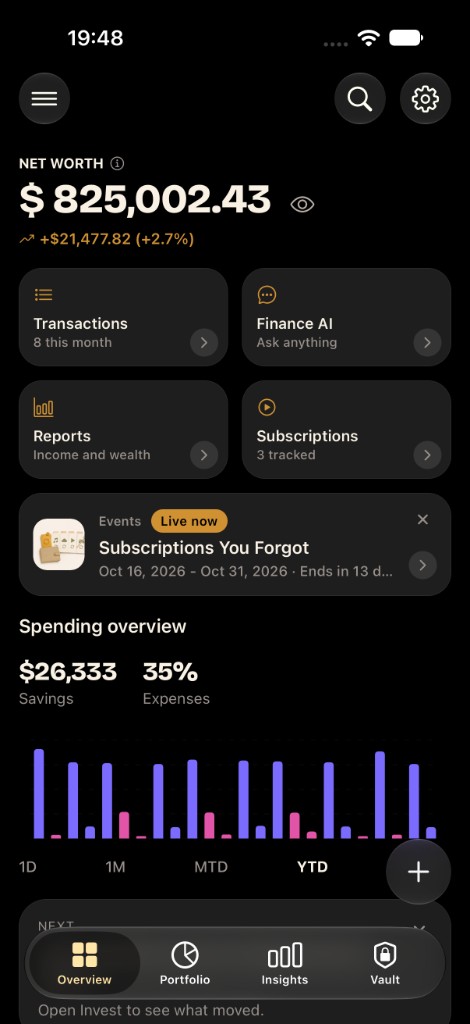
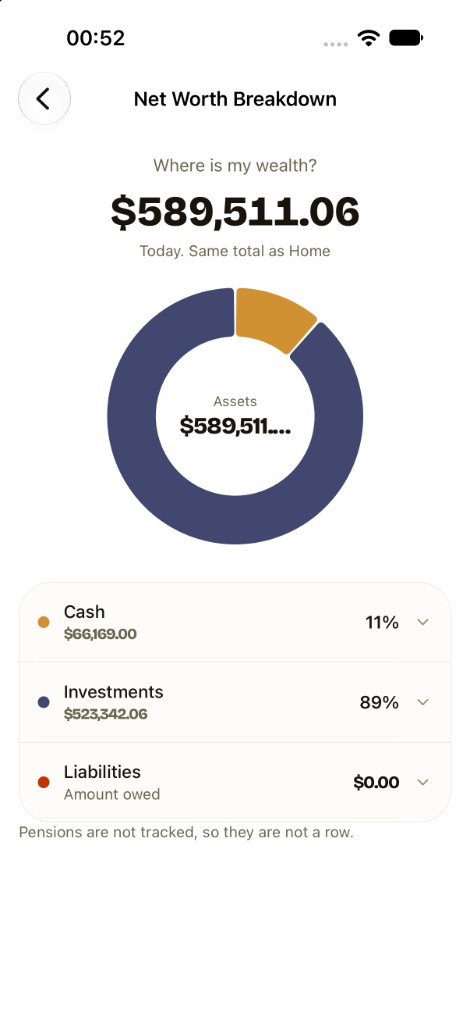
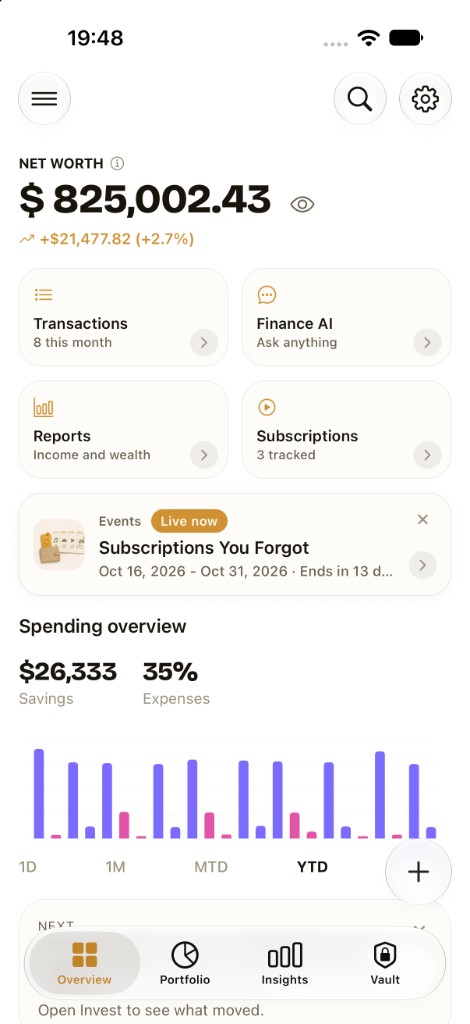
One net worth acrossevery currencyyou own.
Banks, mobile money, cash, investments, and debts. One number.
150+ currencies. No bank login. Data stays on the phone.
“An app I didn't know I needed until I got it. I thought I was doing well by keeping a mental note of my income and expenses. Iron Wealth has opened my eyes to just how efficiently I can keep track of my finances.”
“This app gives me a very nice way to track money. Highly recommended”
“Very sleek and functional app. It is easy to navigate and has smooth onboarding experience. I totally recommend and can't wait for future updates!”
“I was able to use the app to track my little expenses for the day and it was very helpful.”
Track. Plan. Bills. Ask
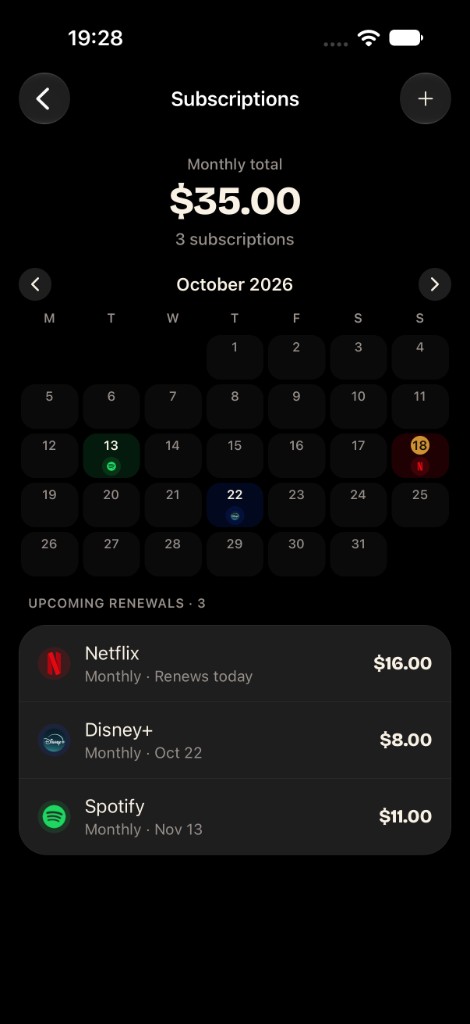
Bills
Every renewal on one calendar.
Subscriptions and bills by date, with the monthly total on top.
All features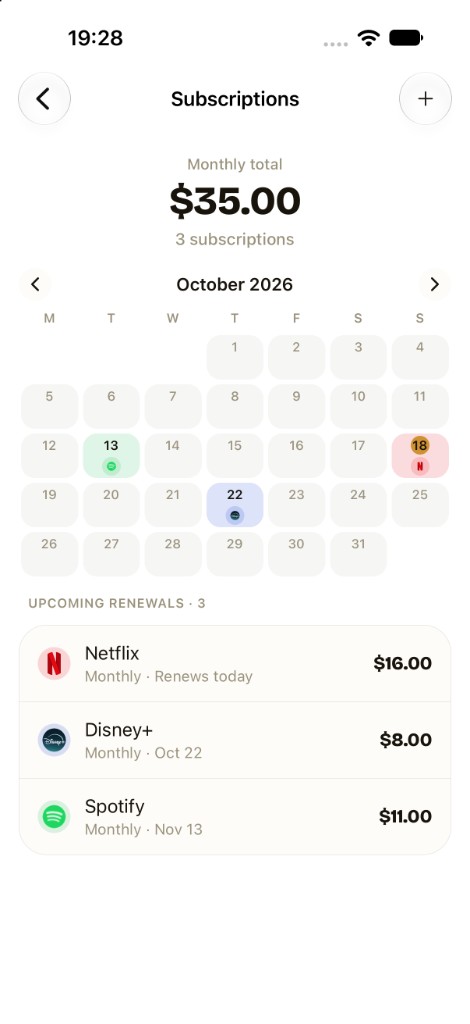
Ask
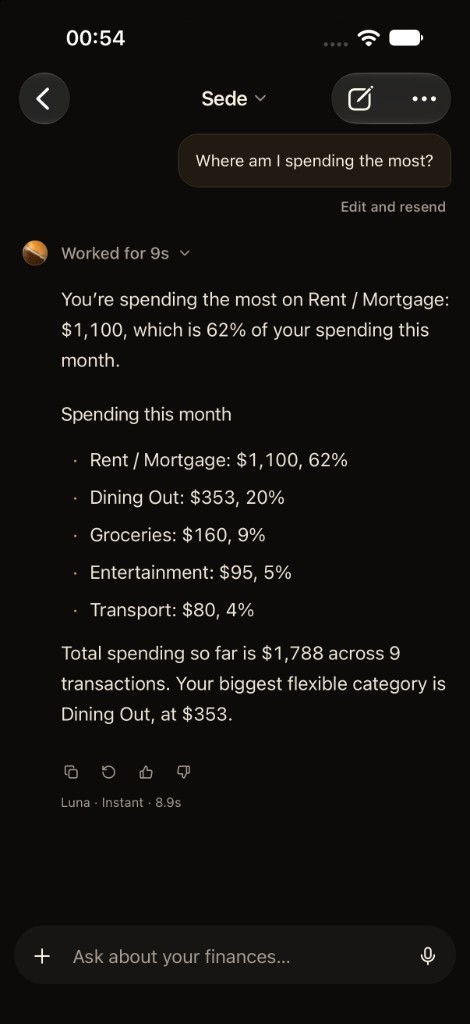
Answers from your own numbers.
Finance AI uses what you have logged.
Educational only, not financial advice.
Finance AI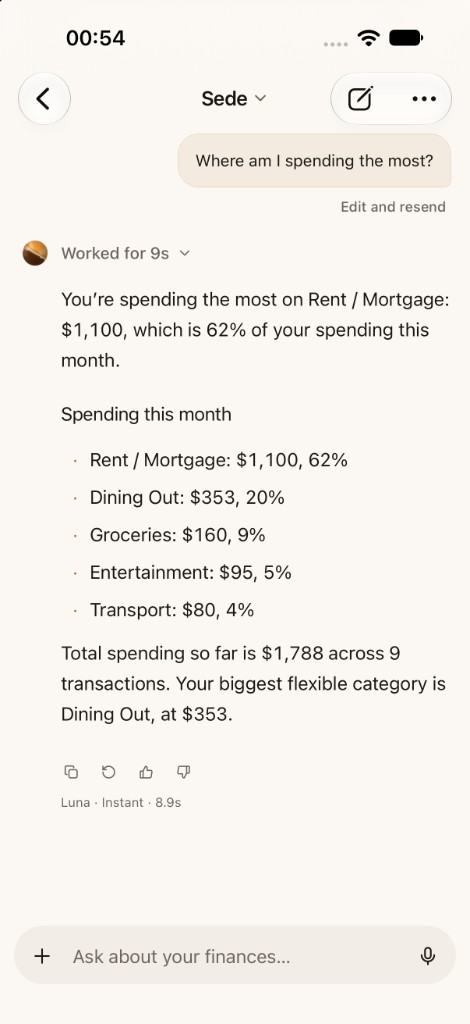
Three steps.
- 1
Pick your currencies
Choose the currency for the total, and a second for money you earn or send.
- 2
Add each account
Bank, mobile money, cash, investments, and debts. On Android, wallet and bank alerts log for you. Or type, scan, speak, or import a CSV.
- 3
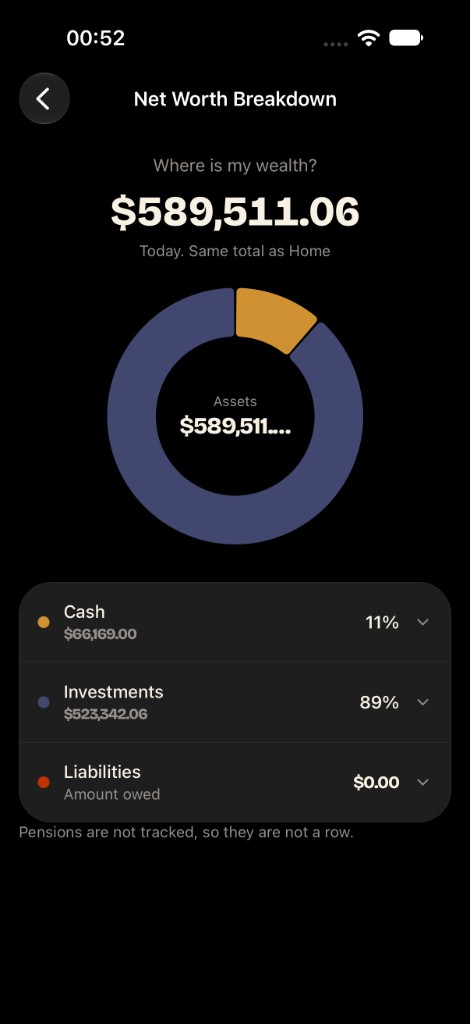
See one net worth
Balances convert into the currency you picked. Debts come off the total.
Built for mobile money and more than one currency.
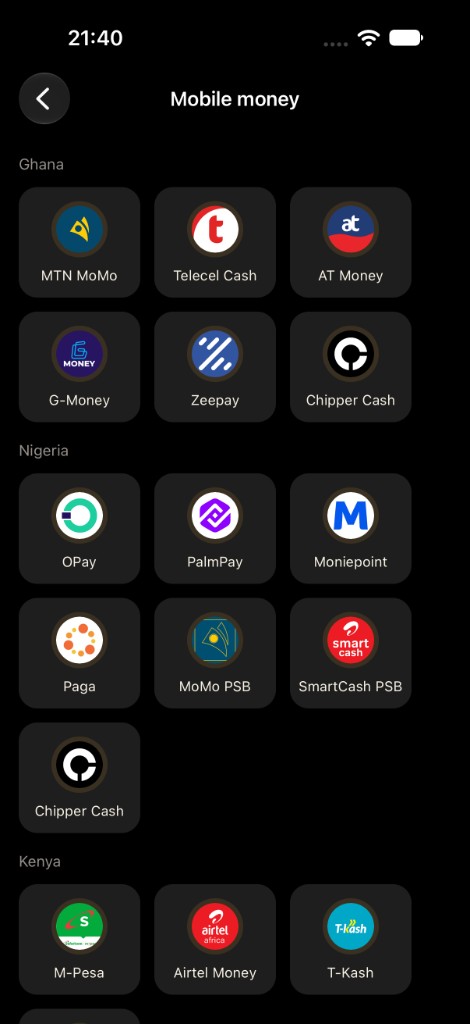
- MoMo, M-Pesa, OPay, and bank alerts become transactions on Android.
- Money at home and money abroad, in one number.
- Paid in one currency, spending in another.













Start free.
Free
- 3 accounts
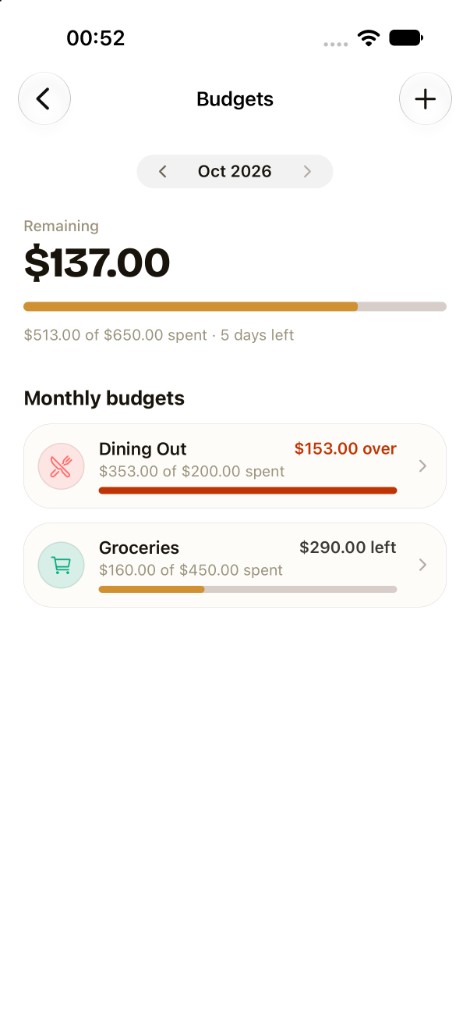
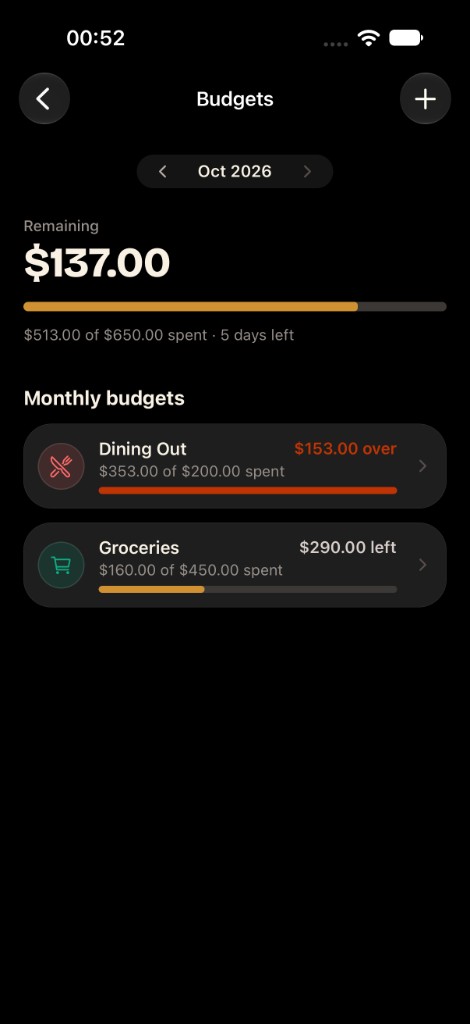
- Budgets and goals
- Finance AI
Pro
- Unlimited accounts
- FIRE planner
- Forecasts and what-if
The Pro price is shown in the App Store and Google Play.
Questions
Good to know
Yes. Iron Wealth is public on Google Play. Open the Play listing, tap Install, and start with the free core. iOS is also public on the App Store.
Yes. Your data stays on your device. We don't have access to your financial information. You can optionally enable cloud backup to your own account and protect exports with a password.
Yes. Core features (net worth tracking, budgets, goals, Finance AI, and basic insights) are free. Free includes 3 accounts; Pro unlocks unlimited accounts plus advanced planning tools like the FIRE Calculator, wealth forecasts, and what-if scenarios.
The app is free to download with a free core. Pro is an auto-renewing subscription billed by Apple through the App Store or by Google through Google Play (monthly and annual options may be available depending on your region). The exact price is shown in the store before you confirm purchase.
You can cancel anytime through the store you subscribed with. On iOS: Settings → Apple ID → Subscriptions → Iron Wealth → Cancel. On Android: Google Play → Payments & subscriptions → Subscriptions → Iron Wealth → Cancel. You'll keep Pro access until the end of your billing period.
Yes. You can export all your data as CSV or JSON from Settings → Export Data. You can also protect your export with a password. Import is supported too, so you can transfer between devices.
In the app, go to Settings → Delete account. If you already uninstalled Iron Wealth, use the Delete account or data page on this site to email a request. You can ask us to delete the account and cloud data, or only the stored data while keeping the sign-in. Local data on a device is removed by uninstalling the app. Play Store and App Store subscriptions must be cancelled in the store.
Iron Wealth supports 150+ world currencies with exchange rates. You can set a primary and secondary display currency, and each account can have its own currency.
Yes. The app supports larger text, dark mode, sufficient contrast, cues that are not color-only, and reduced motion when that setting is on in your system accessibility preferences. Controls include screen-reader labels, and we keep improving accessibility. Details are on our Accessibility page.
No. On Android, payment alerts from the wallets and banks you choose, such as MTN MoMo, M-Pesa, OPay, or GTBank, can log transactions for you. On iOS 27 and later, a Shortcuts automation does the same. You can also type, scan, speak, or import. Bank login, operator login, and PINs are never required.
YNAB is a paid zero-based budgeting system. Mint-style apps aggregate bank feeds in the cloud. Spreadsheets are flexible but manual. Iron Wealth is a private net worth app with budgets, goals, multi-currency, and optional Pro planning. Compare pages on this site go deeper.
The app supports 150+ currencies, including GHS, NGN, KES, ZAR, XOF, USD, GBP, and EUR. Alert capture covers mobile money wallets and major banks in Ghana, Nigeria, and Kenya. Dual display is built for remittance and multi-currency households.